
A Claude Code skill for AI audits
The skill that turns a team's chat export, git repos, and an admin key into a CEO deck. Eleven sections. Thirty minutes.


May 17, 2026 · Build log
Every CEO running a Claude rollout has the same question and no good way to answer it. Is our AI investment paying off? Who's actually shipping with these tools versus chatting with them? Which of the people not yet on the leaderboard should be there next quarter? The deployment report is how I answer that question for a client.
(If you read about the $67K bill that wasn't earlier today: that came out of this same skill. The deck this thing renders is what sat under the panic.)
Here's the public version of the deck I built for a healthcare org. Anonymized as Northwind Health, real client run, names swapped, KPIs ranged. Eleven sections. About a fifteen-minute read for the CEO.
→ Open the Northwind Health AI Deployment Report
Scroll it while reading the rest of this. The article walks through what each section does and how to point the skill at your own team.
The three inputs
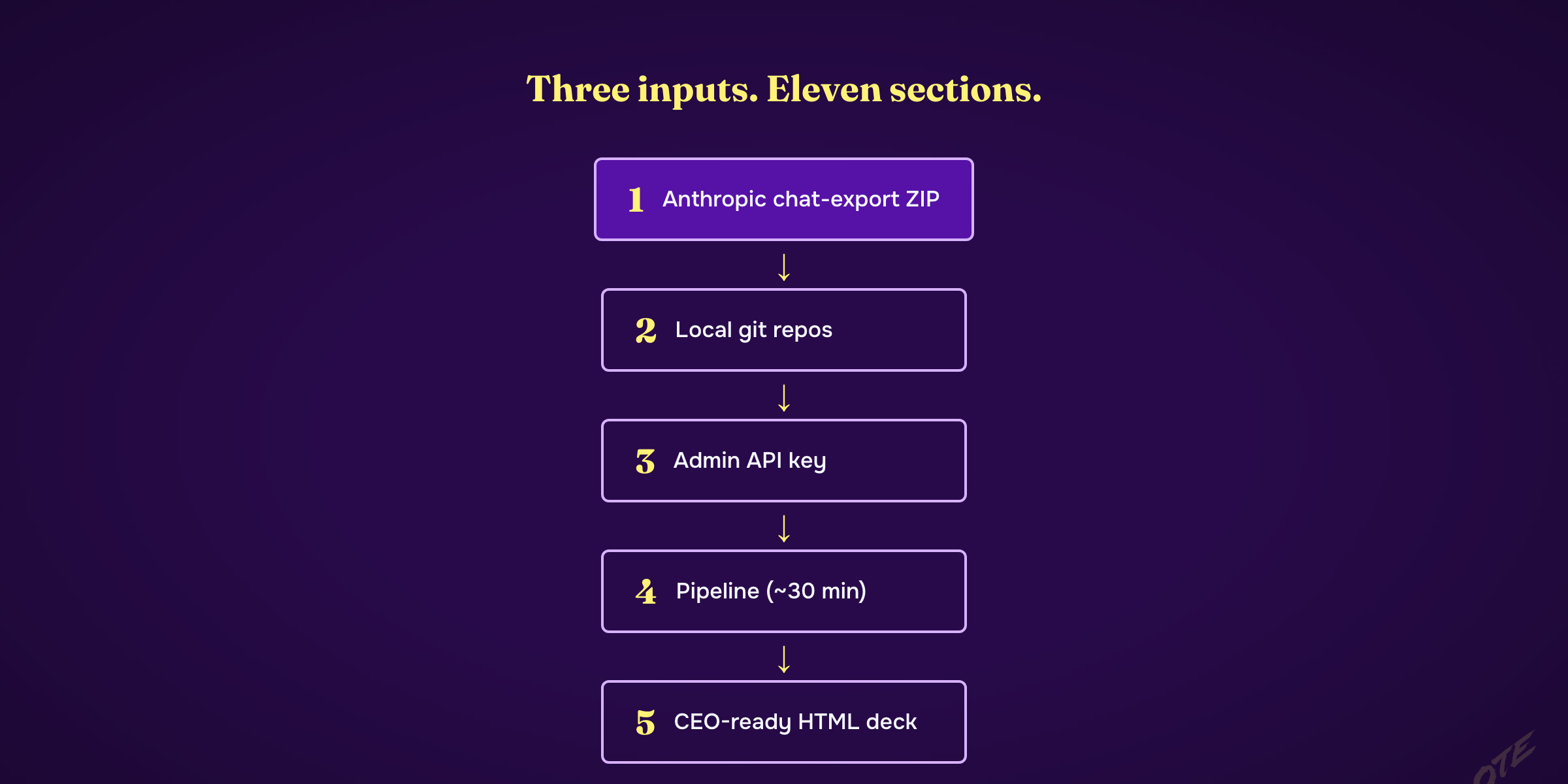
Three things go in. One HTML page comes out in about thirty minutes.
One. An Anthropic chat-history export ZIP. Every Claude conversation your team had during the reporting window. Individuals export from claude.ai → Settings → Data privacy controls → Export. Org admins export from inside console.anthropic.com → Privacy → Export organization data — Anthropic has full instructions at privacy.claude.com on exporting org data. The ZIP arrives by email. Drop it in ~/Downloads/.
Two. Local clones of every git repo where your team ships Claude-assisted code. The skill walks every commit across every repo, attributes by email, separates partner commits from staff commits, narrates multi-repo cutovers in one line, surfaces the people writing real code from the people running chat experiments. For Northwind that meant two repos and four months of history.
Three. An Anthropic admin API key. Create one at console.anthropic.com → Settings → Admin API keys → Create new key. The format starts with sk-ant-admin-. Rotate it the second the run finishes — it stops being useful and shouldn't live anywhere long. Without it, the report tells the people-and-shipping story. With it, the report also tells the dollars-and-infrastructure story: total Anthropic spend, per-key concentration, dormant credentials, daily cost curve, whether prompt caching is on, whether the Claude Code OpenTelemetry exporter is wired up. Both stories together are what makes the deck CEO-grade.
Set the key in your shell, then run one command from the skill's root:
export ANTHROPIC_ADMIN_KEY=sk-ant-admin-...
bash run.sh ~/Downloads/data-<export-id>-batch-0000.zip --client <your-client> --publish
Thirty minutes later the deck lands at playbooks.blueprintgtm.com/<your-slug>, behind a JS password gate until you tell the team the code.
What's in the deck
Eleven sections, each answering a specific CEO question. I'll group them.
The first two answer "where are we." Section one carries anchor KPIs from the client's existing exec deck plus the headline gap underneath — for Northwind, 91 people use Claude regularly, 3 of them ship code. That gap is the story the rest of the deck unpacks. Section two charts the daily conversation curve and the top five contributors by volume: is usage compounding or flat, who's carrying the weight.
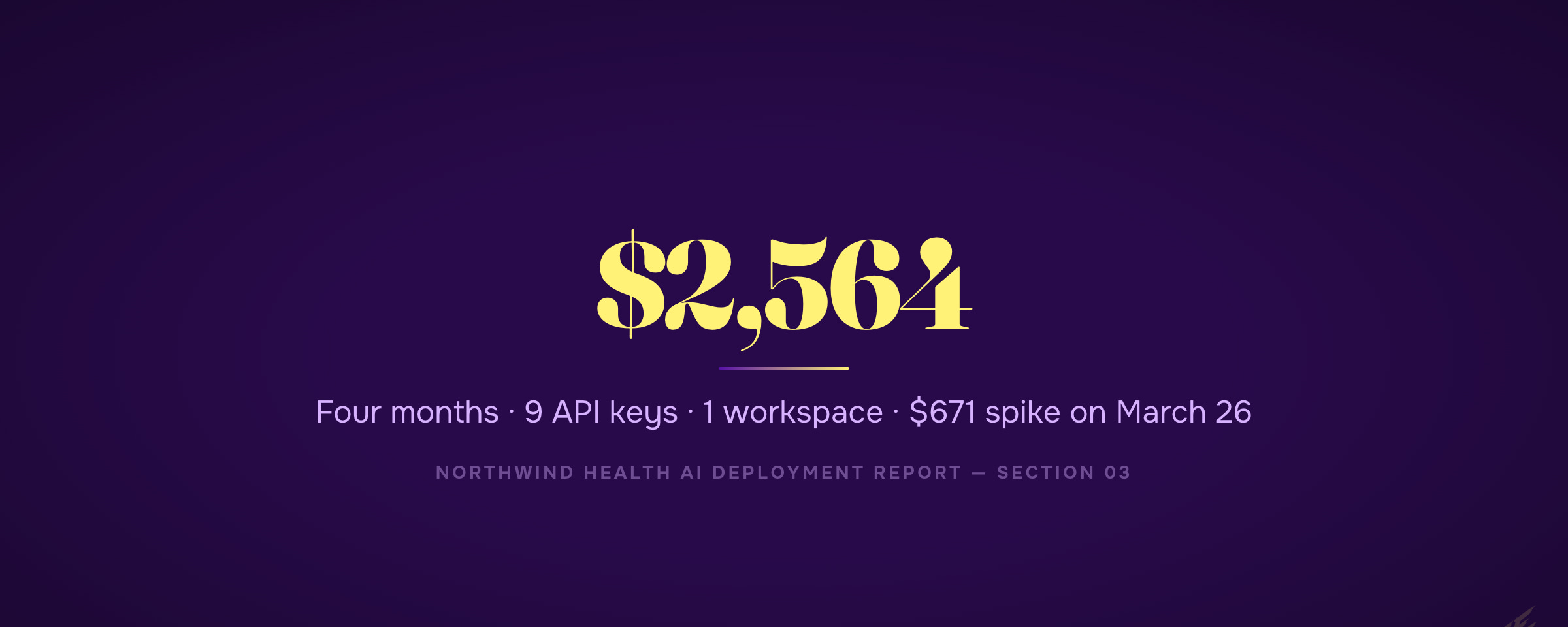
Section three is the money section. Daily Anthropic spend curve. Monthly totals. Per-key concentration. Dormant credentials. Prompt-caching status. Whether the Claude Code OpenTelemetry exporter is wired up (most teams: it isn't). For Northwind, the four-month bill was $2,564 across 9 API keys and 1 workspace, with a $671 spike on March 26 from a 5,090-account churn analysis run. Section three only renders when the admin API key was set at run time.
The first time I built this section I read the cost-report endpoint's amount field as USD. It's in cents. I missed the unit on the first pass and almost shipped a deck with the totals off by 100×. The full story is the companion piece to this article. The fix lives at scripts/cost_units.py — every cost-report read in the skill now routes through cents_to_usd(). If you fork this, do the same.
Sections four and five answer "who's shipping." Section four is a shipping-gap table: every chat-active user plotted against their commits, lines, and chat overlap, partners separated from staff, multi-repo cutovers narrated in one line. Section five is the leaderboard. Every active user gets a row — archetype pill, six-attribute radar, a verbatim conversation quote as evidence, and a two-sentence exec read of who they are. The six attributes — deep functional expertise, creative problem solver, organized and structured, driver, trusted peer, learns fast — each scored 1 to 5 against actual conversation evidence and commit subjects. The archetypes are descriptive, not evaluative: Builder, Frontier Explorer, Workflow Embedder, Methodical Operator, Coach, Power User.
Section six is the punchline of the people story. Functional AI Lead candidates. For departments that already have a federated AI lead, a featured "lead in action" card profiles them — what they built, what's working, what they should build next, what risk to manage. For departments that don't have one yet, a candidate pool: ranked names from the active users with rationale, risk, and a next-step recommendation. The CEO closes the deck with a short list of people to promote.
Sections seven through ten are the "what's repeatable" layer. Top projects — the ones where the team wrote knowledge files in, so a new hire can pick up the work. Theme map — what the team uses AI for, with top contributors per theme. Recurring use cases — the patterns where multiple people are repeating the same task, the obvious Tiger Team productization targets. Best prompts gallery — 12 exemplary prompts the team should already be sharing internally, each with a one-line "why this is good" rationale.
Section eleven is the action layer. 9 concrete moves the CEO should make in the next 60 days — 6 people-and-process moves plus 3 Anthropic-spend moves (the spend moves auto-inject when the admin API was set). Each move is one sentence. The CEO closes the tab with a punch list.
Every paragraph in the deck got polished by a second skill
Every LLM-generated prose block in the deck runs through a second pass before render. There's a skill called wtf baked in as pipeline stage 10_wtf_polish.py. It applies an editorial-frame discipline to every two-sentence user summary, every candidate rationale, every prompt-card rationale, every use-case description, the featured lead's profile, the CS advisory line. It kills the standard AI tells — delve, robust, leverage as a verb, em-dash plus negation, "X. Not Y." reversals, BLUF-at-the-end. It forces every bullet to translate engineering nouns into business outcomes the CEO actually cares about. Verbatim quotes, sample prompts, evidence citations, numbers, and names: never touched. Only the prose around them.
Why bake it in? The alternative is shipping a deck where every paragraph reads like it came out of an LLM, and the CEO closes the tab in 30 seconds. The wtf pass costs about $2 and 30 seconds per deck. There's no version of this skill that skips it.
Cost expectations and the discipline that catches mistakes
The full pipeline costs roughly $70 to $100 per client run. Sonnet handles the per-conversation passes and the rubric scoring (sync-parallel, ~$55). Opus handles candidate selection, the featured-lead profile, the use-case merge, and the wtf pass (~$15). Haiku handles an optional defensible-counts codebook assignment (~$5).
Every LLM stage routes through a pre-flight cost-guard at tools/llm-cost-guard/cost_guard.py. Under $100 estimated: print and proceed. $100 to $1,000: prompt for y interactively. Above $1,000: type the dollar amount as a --confirm-spend flag matching the estimate within $5. Above $10,000: type a second --i-mean-it flag. The tiers are hardcoded so a runaway can't sneak through.
The artifact
→ Browse the public Northwind Health deployment report
Scroll the whole thing. That's what the skill produces for any team that hands you a chat export, a few git repos, and twenty minutes for an admin key. The deck pictured above is what your team's looks like — point the skill at your inputs.
— Jordan
Written with Claude Opus 4.7
Below is the geeky version. Copy it into Claude Code and rebuild the whole thing yourself.
Or don't. Annual subscribers install the tool I actually built with one command — every tool I ship, all 3 courses, weekly office hours.
→ Go annual — $2,499/yr — https://edge.blueprintgtm.com/subscribe?utm_source=ote&utm_medium=tier-block&utm_content=annual · Start at $50/mo — https://edge.blueprintgtm.com/subscribe?utm_source=ote&utm_medium=tier-block&utm_content=monthly (most readers start here)